


Library > Using our libraries > Inter-library loans

Inter-library loans

Inter-library loans (ILL) are used to acquire items for study and research purposes that we do not hold in our collections. They are available to students and staff, though some departments may restrict their use to postgraduates and academic staff.

Ordering an inter-library loan

How to order

You will need to get an ILL request number from your department. The inter-library loan system works using ILL request numbers, which are held within the department, either by the departmental administrator or by individual tutors. If you are unsure about whether you have a valid request number please email the inter-library loans team |. For details of the number of request numbers required see 'Inter-library loan request numbers' below.

ILL requests can only be submitted electronically. To do this, first connect to the Library Catalogue|. Select Inter-Library Loans from the banner and enter your User ID/Barcode and your library PIN. From ‘Options’ top left select the format required – ‘Request Book’ for a loan of a book or copy of a chapter, ‘Request Journal’ for a copy of an article or a loan of a journal part. Enter ILL request number and complete all compulsory fields before submitting. When requesting just a chapter from a book, put the details of the chapter/page numbers required in the 'Any additional information' field. Please note that if you are ordering a journal article you will need to acknowledge that you have read the copyright declaration by ticking the appropriate box on the online request form.

Unless you request otherwise, you will receive copies of articles and book chapters from the British Library directly via your college email address (see 'Receiving articles by email' below). This ensures the quickest possible delivery time for your request. If however, you wish to receive your copy in print form, please tick the relevant box on the online request form.

When the request has been submitted, you will see a screen giving your order number. Please retain this information in case of queries.

How long do ILLs take to arrive?

It varies from a couple of days to a few weeks/months depending on the ease with which the British Library can obtain the item. We may need to apply to another library in the UK or outside the UK.

Copies or articles from journals  and chapters from books obtained from the British Library are sent direct to your college email address as a pdf file. This is the default method of delivery and enables us to take full advantage of a guarantee by the British Library of a 24 hour delivery time.  Please see 'Receiving articles by email' below  for more information. If however, you choose to receive your copy in print form, this will be sent to your department or if required, to an alternative address (e.g. to a home address) 

How many articles can I request from a journal?

Readers are limited to one copy of one article from a journal issue for copyright purposes. If more than one article is requested from the same issue of a journal, we will request the entire issue of that journal, which can be collected and used in the same way as a book. Alternatively, if you wish to have more than one article from the same issue, you can supply another ILL request number to cover the copyright fee for each additional article required.


Inter-library loan request numbers

How many ILL request numbers do I need?

The number of ILL request numbers you need depends on the request. Listed below is a guide to the number of request numbers needed.

Photocopies (e.g. journal articles or a chapter of a book)

One ILL request number per photocopied article unless the article is over 50 pages. If it is over 50 pages the following applies: 2 request numbers for 51-100 pages, 3 request numbers for 101-150 pages etc.

Books or entire journal issues

One ILL request number per loan of a book or entire journal issue.

British Theses

Many British theses are available via the British Ethos service. See 'Ordering theses' below.

Where the awarding institution covers the cost of scanning, there is free access to the full text of the thesis, so no ILL request numbers are required.

 Where a thesis is available via EThOS but the cost not covered by the awarding institution, six  ILL request numbers are required.

 Where the source institution is not part of Ethos a thesis may be available via ILL. In these cases  two ILL request numbers plus a Thesis Declaration Form is required.

Theses from other countries 

For more information on acquiring non-UK theses please refer to the section on 'Theses from other countries' at:

www.rhul.ac.uk/library/collections/theses.aspx|

If the thesis is not available from these resources, seven ILL request numbers are required.

ILL requests worldwide

If there are no known locations in the UK or Ireland for an item, it may be possible to extend the search worldwide, providing the item has not been published in the UK or Ireland. Worldwide search may not be used for items published in the UK or Ireland.  For worldwide search requests, seven ILL request numbers are required for a loan or copy of an article. Items loaned from abroad are always for use in the library only and may not be renewed. It is worth bearing in mind that such requests can take much longer to arrive: a matter of months rather than days or weeks.


Collecting an inter-library loan

Where do I pick it up from? Can it be sent to me?

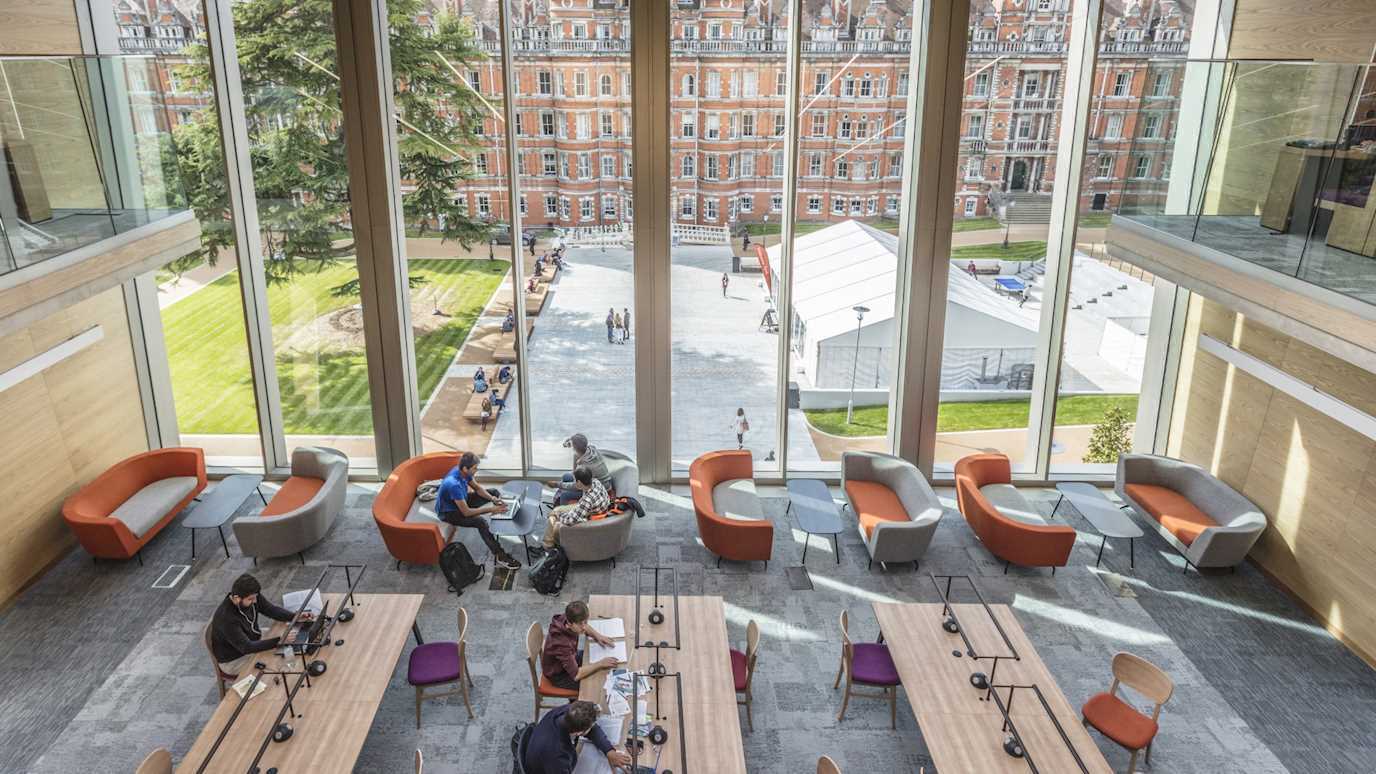
You will be notified via college email on the arrival of a loan. Books or entire journal issues need to be collected from and returned to the Help Desk in Founder’s Library. Loaned items cannot be sent directly to the reader. Some items cannot be removed from the library - these are kept in the Inter-library loan office (room 103) on the 1st floor of Founder’s Library.

Photocopies of journal articles and book chapters from the British Library will be sent direct to your college email address as a PDF file. An email message will be sent to tell you that it is available. Please see 'Receiving articles by email' below for more information. If you choose to receive your copy in print form, this will be  sent to your departmental pigeon hole, but under some circumstances alternative arrangements (e.g. items sent to a home address) can be made - please enquire| for further details. Photocopies of journal articles and book chapters obtained from institutions other than the British Library will be sent to your departmental pigeon hole.

How long do I have an item for? Can I renew it?

The British Library loans items for 3 weeks with their due date displayed on the front page. A renewal of a further 2 weeks from the original due date may be possible but must be arranged through the inter-library loans team| before the due date. A further renewal may be requested from BL if an additional ILL request number is supplied. It is not possible to renew ILLs online via your account. ‘Heavily Requested’ items cannot be renewed beyond the initial due date. The loan period from other libraries varies but will be written clearly in the front of the item.

Are there any restrictions on Items?

Some loans of books and journals are For Use in the Library Only and cannot be removed - in most cases the usual copyright restrictions regarding printed items apply. Some items for use in the library only cannot be photocopied, but this is clearly stated within the item.


Receiving articles by email

The quickest way of receiving articles requested from the British Library is to receive them directly via email as a PDF file. This is the default option.

How do I receive the document?

An email message is sent to your college email address to tell you that it is available. It will have the request number in the subject line and will contain the hyperlink to the document.

How do I read, download and print the document?

To read the document you will need Adobe Reader version 4 or above with the FileOpen plug installed. FileOpen is a Digital Rights Management tool that is compatible with every version of Adobe Reader 4 and above. On College computers this plugin should have installed automatically. To install the plugin on your personal laptops and computers, please go plugin.fileopen.com/all.aspx|

How many times can I print the document?

You may print the article only once but can view the document in Adobe Reader for up to 14 days from the date of download.

How much time do I have to download and print the document?

The electronic copy will be available from the server for 30 days after which the file will be deleted. We recommend that you print a copy as soon as you can after downloading the document. The document must be printed within 14 days of download after which access will be locked.

What if I have no access to a printer?

If you have no access to a printer, you should not open the item from the link in the email but forward the email message to the ILL office at: ill@rhul.ac.uk|. We will then print off the document and send it to you at your department or if required to your home address.


Ordering theses

 British theses

What is EThOS?

EThOS is an Electronic Theses Online System which offers open access to many British PhD theses via the British Library.

How do I access EThOS and order theses?

The EThoS website can be accessed at ethos.bl.uk|. .

Anyone can search EThOS, but you will need to register and login before ordering and downloading theses.We are unable to do this for you, as you personally have to accept the terms and conditions of supply and undertake not to quote the work without proper citation.

There are instructions on the home page on how to order theses via the EThOS website. From here you will be able to download digital theses already on the system and order theses not yet digitised

Is there a charge for downloads? What if the thesis is not on the sytem?

If the thesis is already on the system, it may be downloaded free of charge, once you have registered and logged in. It is also possible to pay for supply of theses in CD-ROM or other formats

If the thesis is not on the system, you may order it to be digitised. Before doing this, you should first access the list of 'Which institutions are taking part?' on the EThOS homepage. If the awarding institution of the thesis you require is highlighted, there is no charge for ordering and downloading.

Where the awarding institution is listed but not highlighted, the thesis is available via EThOS, but the cost is not covered by the institution. You will need to submit an ILL request and supply six ILL request numbers to cover the cost of digitisation; we will notify you when the thesis is available for download.

What do I do if the awarding institution is not on the EThOS list?

 British theses not available via EThOS require two ILL request numbers plus a thesis declaration form. These theses will always be for use in the library only.

Some British theses may be available in the British Library’s St Pancras Reading rooms. To view a thesis there you will need a British Library reader pass – you will also need to check with the British Library beforehand that it is available for you to consult. 

Some institutions including Oxford and Cambridge Universities will not lend theses - in these instances there is no alternative to visiting the awarding institution.

Non-UK theses 

Almost all American theses and some other foreign ones are indexed in the Proquest Dissertations and Theses  (PDT) database which is an index of doctoral dissertations and master's theses from around the world. The Proquest database is available for consultation in British Library's Reading rooms at St Pancras. A large number of titles are available in full-text; dissertations published from July 1980 include 350-word abstracts written by the author; master's theses published from 1988 include 150-word abstracts. A British Library reader pass is required for access.

The University of London Research Library Service also subscribes to the PDT database, and this can be accessed in the Senate House Library, or remotely| by any holder of a current Senate House Library card. This version only contains abstracts and a link to buy print copies of a thesis.

For more information on acquiring non-UK theses please refer to the section 'Theses from other countries' at:

www.rhul.ac.uk/library/collections/theses.aspx|

Contact us

Email library@rhul.ac.uk|
Telephone 01784 443323
Facebook Visit us|
Web Feedback form|