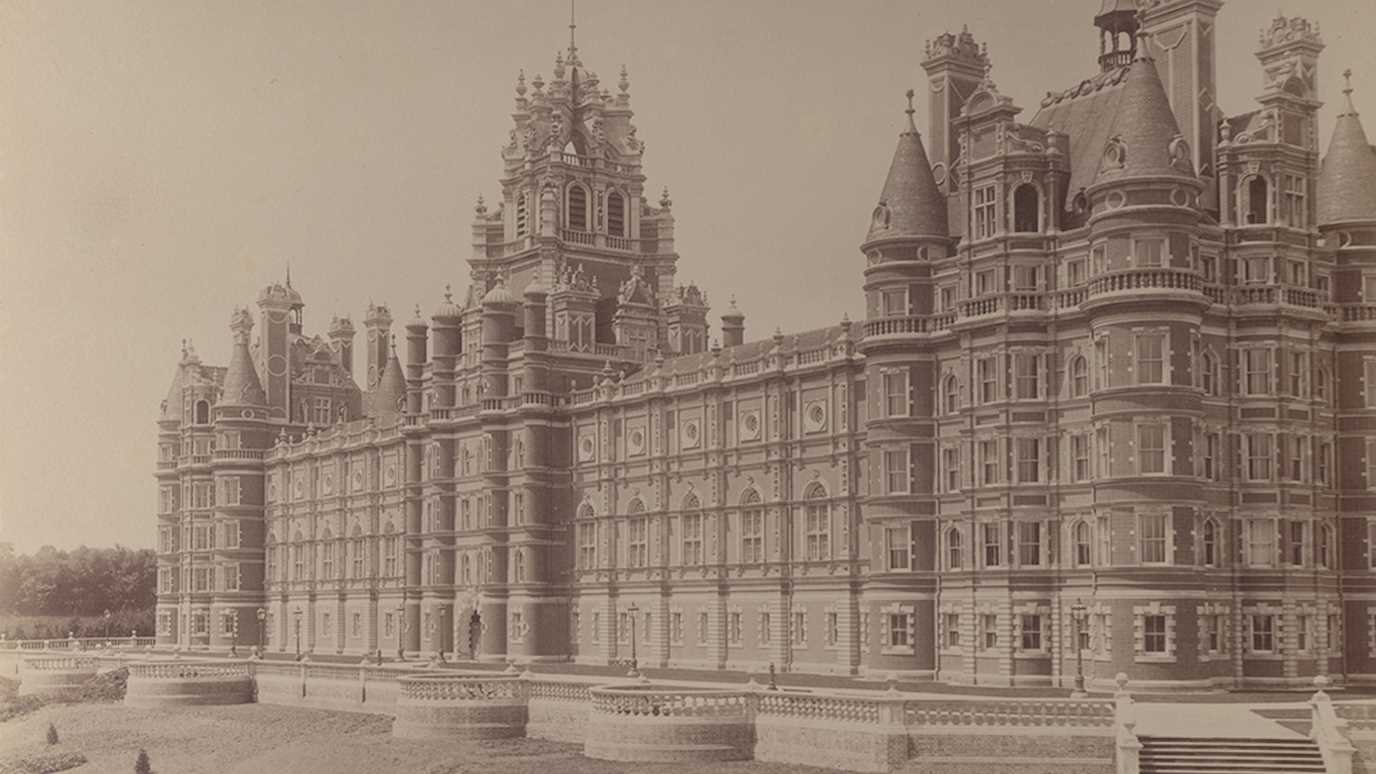







A silhouette (in white) of Founder's Tower Royal Holloway, University of London

You are here : Educational Development Home / E-Learning / Training & Support


E-Learning

Training & support

Training & support in the use of technologies, such as Moodle, Turnitin, Wimba Suite, and Audience Response Systems, is offered by Learning Technologists Martin King and David Thurlby .

If you are interested in using learning technologies, please follow the links below to book onto:

The Learning Technology team will also provide bespoke, departmental and one-to-one training sessions and consultancy. Please contact us to discuss your requirements, or click on the 'Arrange a session' links below.

Moodle Introductory Training Sessions

Session overview:
  • Orientation
  • An overview of Moodle's features and benefits
  • Demonstrations of tools - sharing resources, discussion fora, voting and reporting
  • Advice on best practice, usability, workflow
  • Lots of guided hands-on practice

Date
Time Title
Venue
Wed 10th February 2010 2 - 4.30 pm Moodle Introductory Training Session
FULL ¦ 0 spaces left
Computer Centre PC Lab 5
Thur 22nd April 2010 11 - 1.30 pm Moodle Introductory Training Session
Enrol ¦ 6 spaces left
Computer Centre PC Lab 5


'Moodle: Beyond the Basics

For increasing interactivity in your Moodle course we offer advice and training on the following Moodle features. Please contact us to discuss your requirements, or click on the 'Arrange a session' links below.

Beyond the Basics:

Session overview: Moodle ‘Getting the most out of Online Assessment‘

  • An overview of quizzing and assessment in Moodle
  • Explore Moodle question types
  • Advice on quiz strategies and workflow
  • Lots of hands-on practice

Exploring communication and use of media

  • Finding, editing and incorporating images, sound and video into your course resources
  • Explore how students could contribute to, and share resources
  • Demonstrate ways of communicating and giving feedback to a large group of students
  • Understand the improved student experience these enhancements have
  • Handouts containing instructions will allow you to update your courses

Using Wikis

  • How to create wikis - single web page or microsite
  • Using wikis for large groups, small groups & individual students
  • Creative thinking: How to use Wikis to support learning activities
  • Using Wikis for assessment purposes

Date
Time Title
Venue
Wed 16 th December 11 am - 12 noon Using Wikis in Moodle
Enrol ¦ 6 spaces left
TBC
Wed 16 th December 2 - 4 pm Exploring communication and use of media in Moodle
Enrol ¦ 5 spaces left
Computer Centre PC Lab 4
Wed 13 th January 2010 2 - 4 pm Getting the most out of Online Assessment
Enrol ¦ 3 spaces left
Computer Centre PC Lab 4


Moodle Training for Departmental Administration Staff

Open to – All DA’s; those new to Moodle, in need of a refresher, and those with an interest in recent Moodle developments, or seeking new ideas on how to use Moodle in their role.

Session objectives
  • To provide a clear understanding of how we expect DAs to support and work with Moodle
  • The e-learning team - what we do / how we can help you / how to contact us
  • Moodle’s relationship with other RHUL systems - Banner
  • Exercises & Handouts – add tutor / visible course / Settings page / Print & Export grades
  • Experience likely scenarios - Student lists / Print grades
  • Raise awareness of potential time/info efficiencies possible in a VLE
  • Time for questions

Date
Time Title
Venue
Wed 21 st April 2:30 - 4pm Moodle Training for Departmental Administration Staff
FULL ¦ 0 spaces left
Computer Centre PC Lab 5


Using Turnitin - For Departmental Administrators

Using Turnitin
  • An overview of Turnitin's features and benefits
  • Setting up Courses, Sections and Assignments
  • Managing Courses & Originality Reports
  • Advice on best practice and, workflow
  • Supporting students
  • FAQs
  • Hands-on practice

Date
Time Title
Venue
TBC TBC Introduction to Turnitin for DAs TBC

Using Turnitin - For Academic Staff

Session overview:
  • An overview of Turnitin's features and benefits
  • Demonstrations of tools - accessing reports, interpreting results, managing information
  • Managing Courses & Originality Reports
  • Advice on best practice and, workflow
  • Hands-on practice

New: Using GradeMark - paperless, online marking & feedback and feedback


Date
Time Title
Venue
Wed 9th December 2 - 3 pm Introduction to Turnitin for academic staff
Enrol ¦ 3 spaces left
TBC
Wed 9th December 3 - 4 pm Introduction to GradeMark
Enrol ¦ 2 spaces left
TBC


Creating podcasts

For increasing interactivity in your Moodle course we offer training & support in the use of Wimba Suite tools. Please contact us to discuss your requirements, or click on the 'Arrange a session' links below.

Session overview:

Are you interested in creating and putting audio resources for your course into Moodle?

This short course takes you through creating your own podcasts and using Wimba Voice Podcaster in Moodle to upload your content and make it available to your students.

After completing the workshop you will

  • be able to define a podcast
  • understand basic podcasting terminology
  • be able to record, edit, and export a simple audio podcast using Audacity
  • know how to upload your podcasts to Moodle using Wimba voice podcaster
Date
Time Title
Venue
Wed 9th December 2 - 4pm Creating Podcasts - using Wimba Voice Podcaster in Moodle
Enrol ¦ 2 spaces left
PC Lab 4


Clickers

For increasing student engagement and interactivity in your lectures we offer training & support in the use of Audience Resoonse Systems - 'Clickers'. Please contact us to discuss your requirements, or click on the 'Arrange a session' links below.

Session overview:
  • Demonstrations of Clickers - voting, displaying, recording, exporting results
  • Advice on best practice and workflow
  • Lots of guided hands-on practice in creating presentations, form scratch and with existing files

Date
Time Title
Venue
TBC TBC Using Clickers
Arrange a session
TBC


E-Learning consultancy meetings

To discuss a specific E-Learning issue, training requirements or to receive one-to-one demonstrations or advice, please contact us, or click on a 'Arrange a session' link below. Please note, these meeting are not intended as an alternative to Moodle Training sessions.

Date
Time Title
Venue
TBC TBC E-Learning consultancy
Arrange a meeting
Founders FE131

upward arrow, click on accompanying text to return to top of page back to top

Links

Learning Technologists

Useful tools


Last updated Wed, 17-Mar-2010 9:22 GMT / MK
Royal Holloway, University of London, Egham, Surrey TW20 0EX  Tel/Fax +44 (0)1784 434455/437520